MENTRA RECORDER · 2.0.4
Glasses.
Camera. Record.
Recording controls and camera settings for Mentra glasses. Open the app in Mentra to connect to your device.
Install the focused Recorder.
Record fits one screen in portrait or landscape, with battery and connection always visible. Choose video format and recording limit beside Record. Other controls are in Settings. Saved clips are handled by Mentra Gallery. Recorder does not provide video browsing or playback.
- Open Mentra on your phone and connect your glasses.
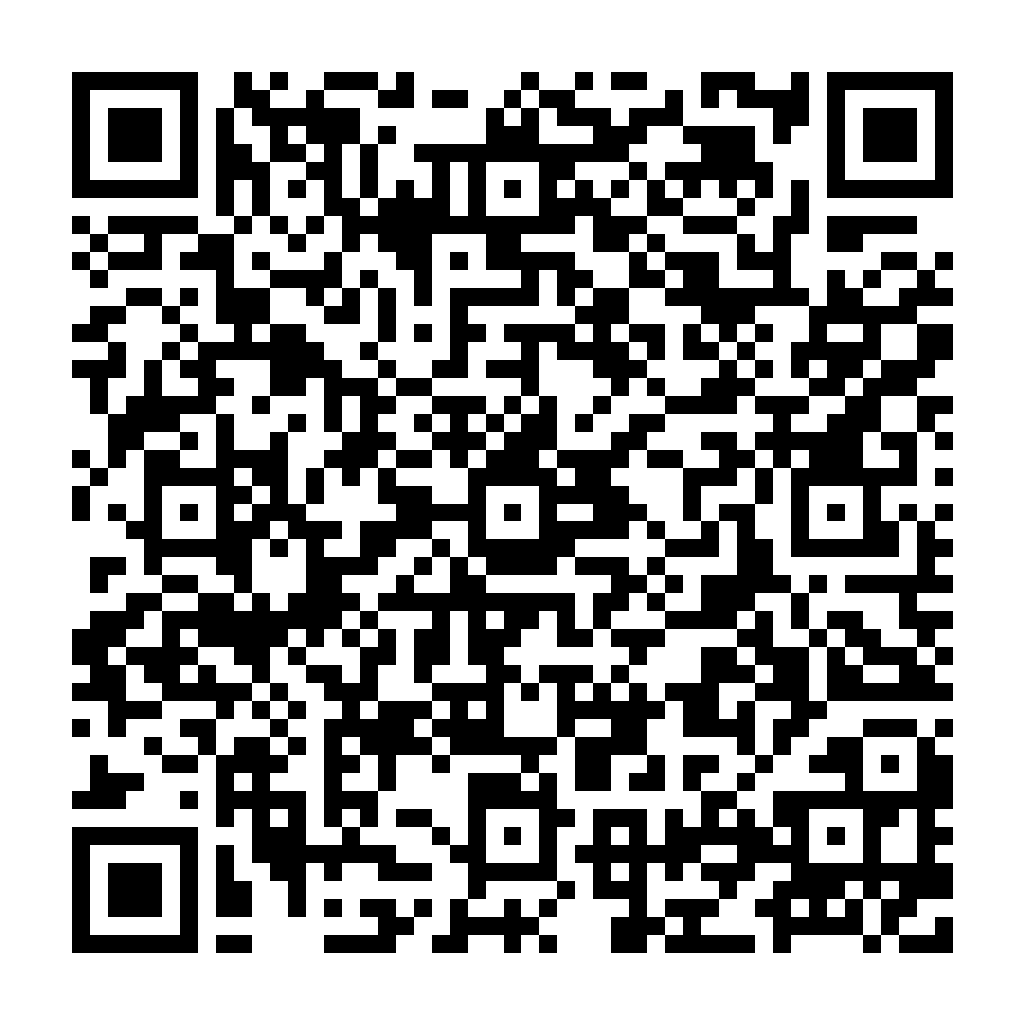
- In Settings → Developer settings, choose Scan Mini App QR Code.
- Scan this code and install Mentra Recorder 2.0.4.
- Open Recorder in Mentra and use Record.
Website publication does not update installed miniapps. Install this version to replace the earlier app interface.

Available controls
Start and stop glasses video, take a photo, inspect connection and battery, and use supported camera settings. Controls need a connected Mentra runtime and camera permission. The app displays command errors and waits for acknowledgements.
Check the physical recording indicator and the saved clip on your glasses. A desktop browser cannot connect to the glasses by itself.
Existing 1.2.0 installation and QR
The original release 1.2.0 remains available for compatibility.