FIELD PROJECT / MENTRA LIVE + MENTRAOSIn development
MentraVision.
Stay in the work. Keep the moment.
A clearer way to capture with Mentra Live glasses. We’re building a companion that puts reliable recording, understandable status, and your decisions first.
An independent project by Ten Thirty Two LLC. Mentra makes the glasses. MentraVision is not affiliated with, sponsored by, or endorsed by Mentra.
INSTALL THE CURRENT MINI APP / 2.0.5
Ready on your iPhone.
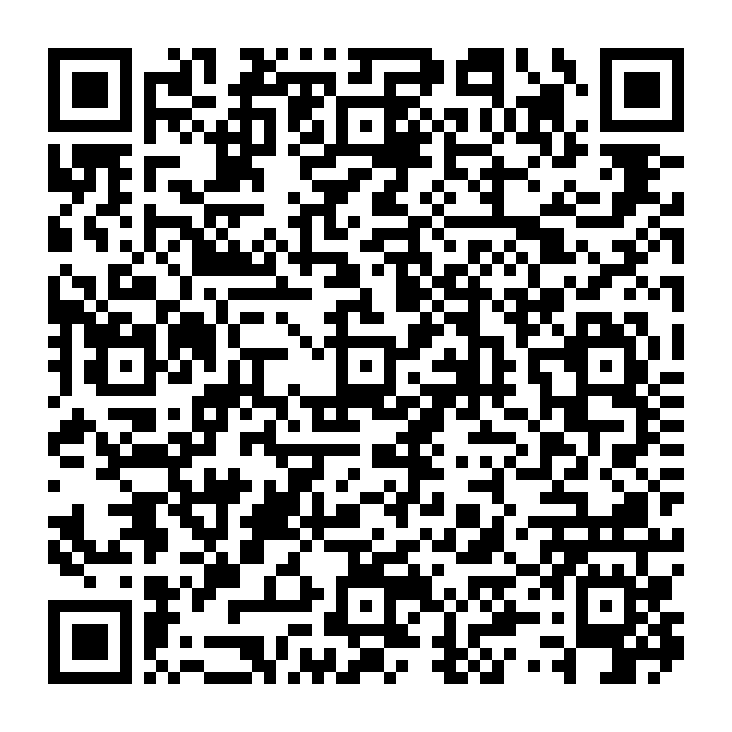
Scan the QR code inside Mentra, or use the install link on your phone. This is the current experimental release, listed in Mentra as Mentra Recorder 2.0.5.
Open Mentra on your iPhone and connect your glasses.
Go to Settings → Developer settings → Scan Mini App QR Code.
Scan this code on another screen, confirm the installation, then open the mini app in Mentra.
MentraVision is still in development. This package uses the existing Recorder name and has reported session lockups. The broader media-library features are still planned.
Scan inside Mentra on your iPhone. Current mini app · Version 2.0.5
A CLEAR PICTURE / OCTOBER 18, 2026
Built. Being tested. Still to come.
Published software is a starting point. Physical phone-and-glasses testing is still required before we call this a dependable field companion.
01 / EXISTING RECORDER
A focused capture tool.
The existing Mentra Recorder includes Start/Stop commands, photo capture, camera preferences, and reported connection and battery information inside the Mentra app.
Its current release has reported session lockups. It does not provide a video library, playback, or YouTube publishing.
View the existing Recorder ↗Developer/test setup. Opening a website does not connect your glasses or update an installed miniapp.02 / CURRENT DEVELOPMENT
Recovery you can understand.
We’re testing bounded command waits, repeated Start/Stop, interrupted sessions, and clear recovery actions. Reconnecting must never be mistaken for proof that recording stopped.
Automated simulations help find faults. Power-off, phone backgrounding, and real-device behavior still need field validation.
An owned-recordings library with playback, scrubbing, tags, sharing, and confirmed deletion. Optional voice notes, search, and summaries after permission and reliability checks.
Private sync and YouTube upload require a secure service, explicit opt-in, and a reviewed destination. No recorded footage is published automatically.
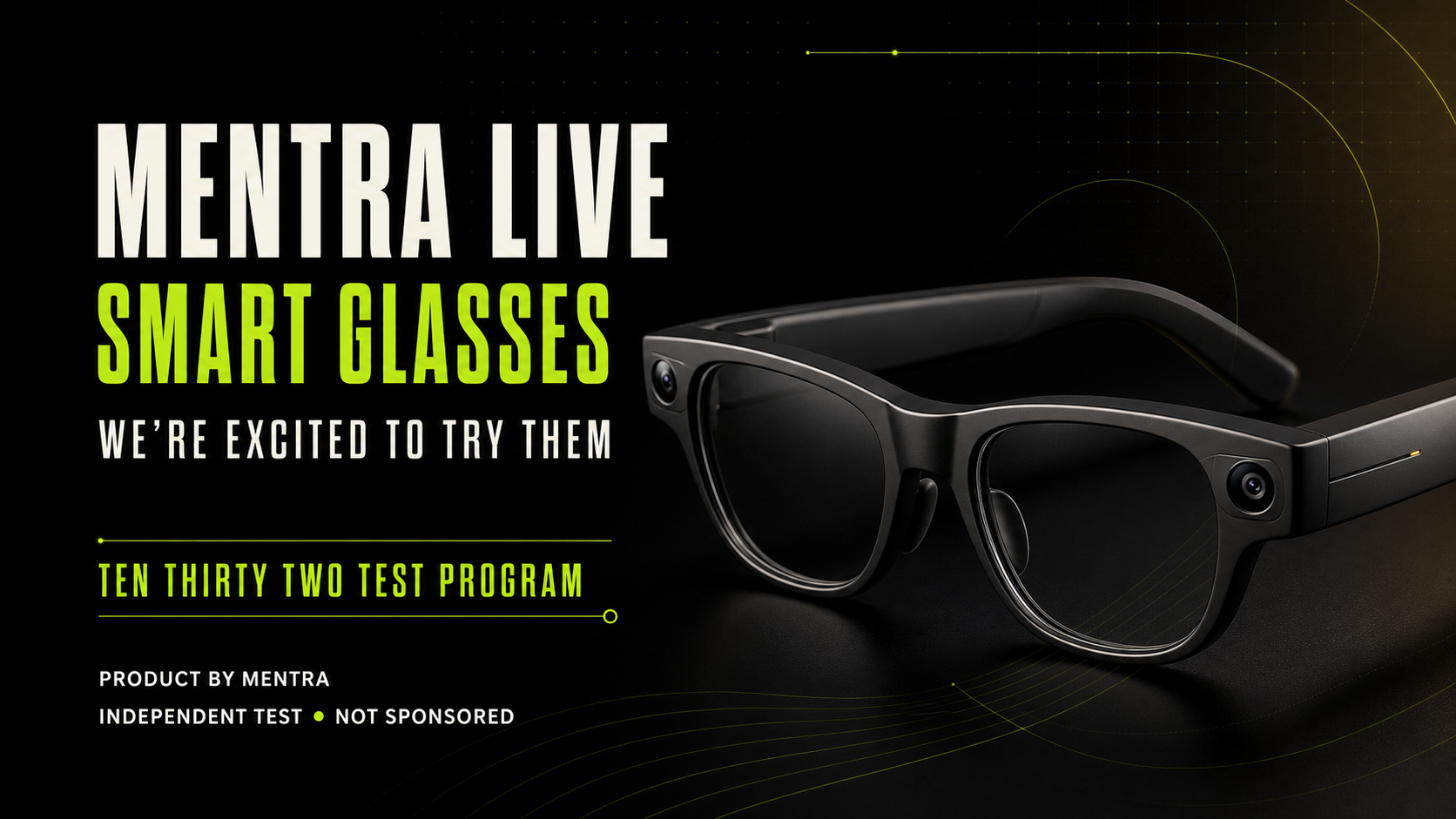
Existing campaign concept artwork, not a product photograph or a demonstration of MentraVision.
DESIGNED AROUND THE TASK
Hands occupied. Attention intact.
For makers, field operators, and people documenting their own work, the aim is simple: capture an agreed moment without losing your place in the task.
We’re looking for real workflows to test, from a short process demonstration to a spoken note after a job. These are proposed use cases, not validated outcomes.
The person recording isn’t the only person who matters.
Before recording, make the purpose clear and obtain permission from the people involved. Begin testing with synthetic or explicitly approved, low-risk material.
01
Make capture visible.
Respect the glasses’ recording indicators. We do not offer hidden recording or controls to bypass them.
02
Know where the file is.
The existing Recorder requests storage on the glasses. A stopped command does not prove a file reached your phone or a cloud library.
03
Choose each next step.
Cloud processing, AI assistance, sharing, and publishing are planned as separate choices. They are not active on this page.
THE NEXT USEFUL VERSION
Earn the next feature.
We expand when the interface is documented, the permission is clear, and testing supports the promise.
FIRST / IN DEVELOPMENT
Trust the session.
Prove start, stop, reconnect, app reopen, and recovery on real iPhone/Android and Mentra Live combinations. Preserve captured files.
NEXT / PLANNED
Review what you own.
Build an authenticated media library with recoverable imports and uploads, private access, retention limits, and deliberate sharing.
LATER / EXPLORATION
Make field notes useful.
Evaluate optional voice notes, timestamps, tags, transcription, summaries, and supported button controls. A native Bluetooth companion is a separate development path.
BEFORE YOU TRY IT
Good questions.
Which version can I install?
You can install the current experimental Miniapp using the QR code or install link above. It appears in Mentra as Mentra Recorder 2.0.5. MentraVision is in development, and reliability work is still outstanding. Mentra’s current documentation describes Miniapp distribution limitations and recommends its Bluetooth SDK for Mentra Live development. Read Mentra’s current developer guidance.
Will it put overlays in my Mentra Live lenses?
No. Mentra Live has a camera, microphones, and speakers, but no display. We do not promise lens overlays. Check Mentra’s hardware guidance.
Does access to iPhone Photos unlock the glasses gallery?
No. Phone Photos and the glasses gallery are separate. On iOS, add-only access can save to Photos; it cannot browse the library. Read/write access can also be limited by the user. Native permissions do not grant access to recordings still on the glasses. Apple’s Photos access levels.
Will my footage be uploaded or used for AI?
This public page does not access your camera, microphone, or media. It has no upload form or AI processing. A future service will need a separate consent flow and a published privacy and retention policy before accepting recordings.
Can I help without buying glasses?
Yes. Tell us about your workflow or request a walkthrough first. Equipment access, test scope, time commitment, and any compensation will be agreed before a session. Participation and equipment are not promised.
HELP SHAPE A USEFUL COMPANION
Bring a real task. We’ll start there.
Request a walkthrough or tell Michael which phone and glasses you use, what you want to capture, and where the current experience gets in your way. Please leave private footage and sensitive details out of your first message.