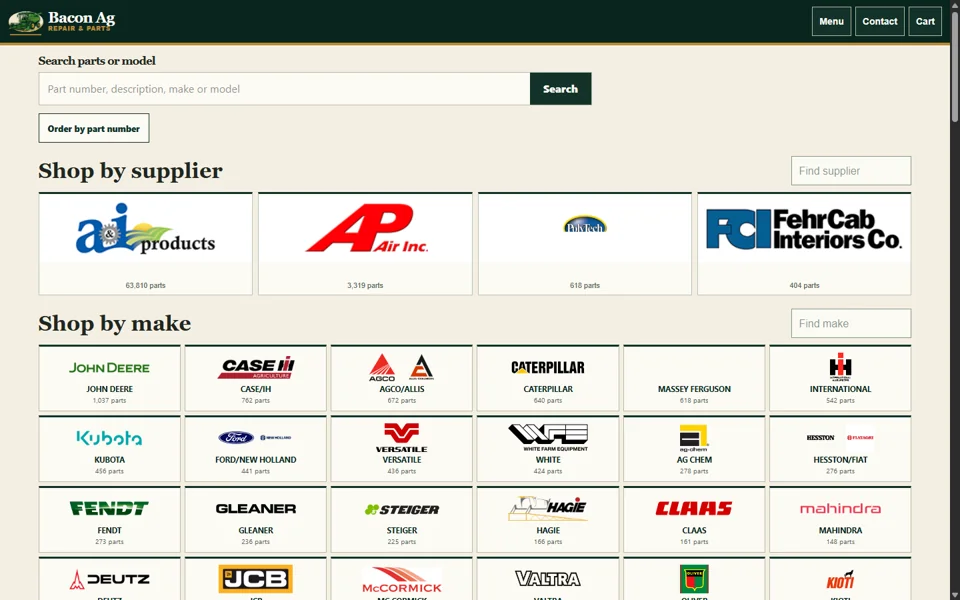
01 / SELL MOREHelp customers find the right thing.Do people call to ask what you stock? A searchable catalog can connect product details, fitment and an order request.What could your customers find, order or request online?I have products to sell ↗Bacon Ag Repair / In developmentA real parts-store build. Public checkout and customer sales are not claimed.Inspect the catalog example ↗
02 / SAVE TIMEEnter it once. Keep the work moving.Still copying information between systems? Entering the same order twice? Answering the same questions?Imagine one request becoming the next step, without another copy and paste.Ask about my business ↗ILLUSTRATIVE WORKFLOW / LOCAL DEMONSTRATIONOne customer request.Request capturedWork assignedCustomer update preparedTry the next step →A sample request is ready. Try the workflow.This illustrates a possible connection. It runs in your browser and sends nothing.How we scope an integration ↗
03 / KEEP CUSTOMERS INFORMED“Is it ready yet?”Give them a place to find out.Your customers could check an order or repair status without calling the office. Keep updates and the next decision together.What do your customers keep calling to ask?Could this work for my business? ↗CUSTOMER VIEW / LOCAL DEMONSTRATIONSample repairWe have your equipment.Your request is checked in. The next step will appear here.Checked inWork underwayReady for collectionShow the next customer update →No customer account or message is created.Try both sides of the repair workflow ↗
04 / IMPROVE MY WEBSITEMake the next step obvious.People should quickly understand what you offer, see reasons to trust you and know how to reach you.Could a visitor answer these three questions about your website?Talk about my website ↗A QUICK SELF-REVIEWLook at your first screen.What is already clear? What the business does Why a customer can trust it How to contact or orderChoose what your site makes clear. Nothing is submitted.See websites and campaigns ↗
05 / I HAVE AN IDEAWhat have you been thinking about building?A customer portal. A better booking process. An application that finally connects the pieces. Start with the job you want it to do.You don’t need a technical brief to begin a conversation.See how an idea becomes a scoped project ↗I wish my business could…Optional. Keep this to a business idea; leave out private customer details. It stays on this page until you choose a contact option.Open a text about my idea ↗Text Michael about your ideaYou can edit the draft in your messaging app. You choose whether to send it.
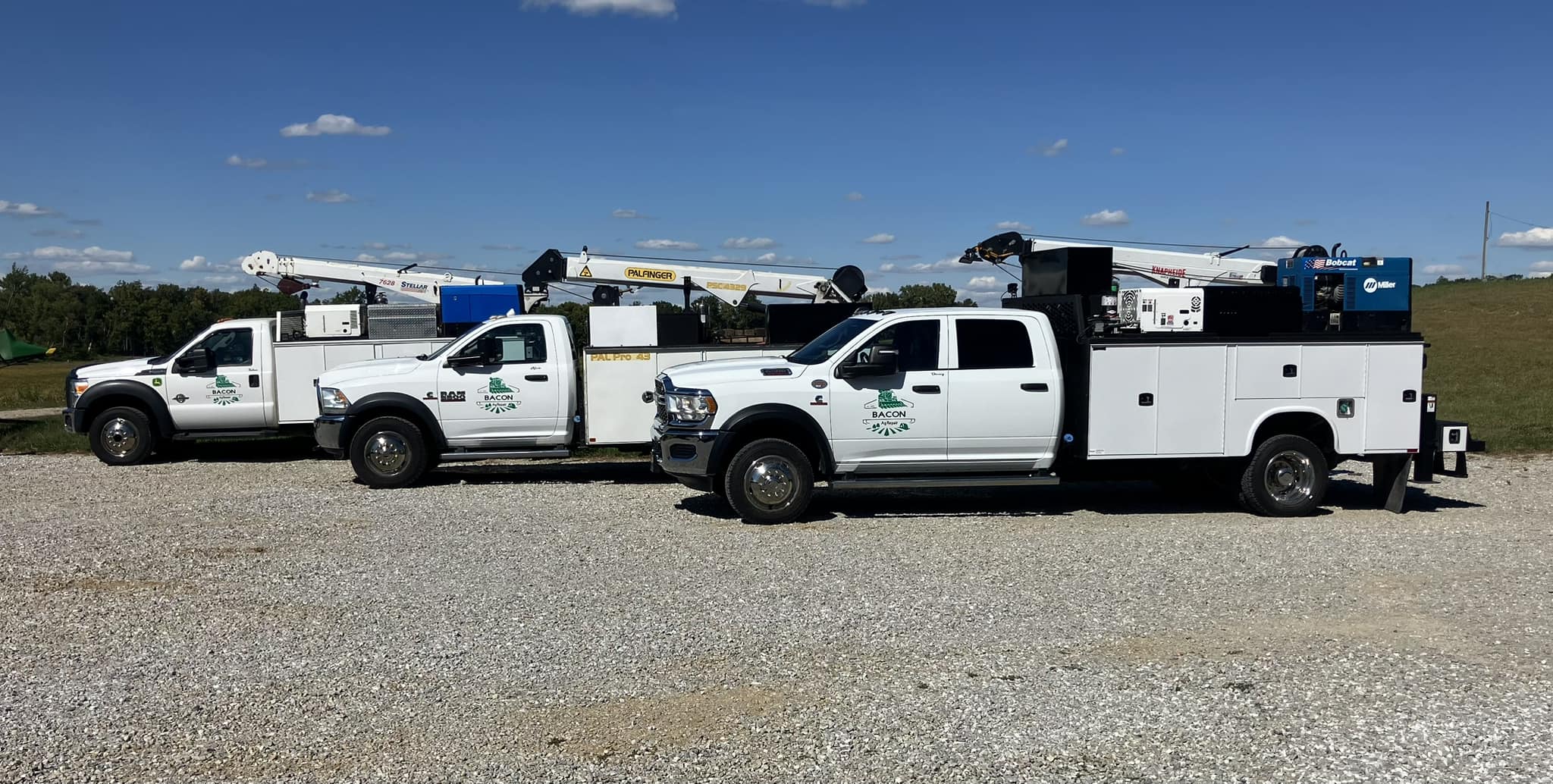
FEATURED CLIENT / BACON AG REPAIR · IN DEVELOPMENTSell products online.Meet the real service fleet and see where the developing Bacon Ag parts desk is headed. Online ordering is not live yet.Read the Bacon Ag feature ↗
“Is it ready?”Now they know.DEMONSTRATION / CUSTOMER UPDATESKeep people informed.Try a repair moving from check-in to approval. Where could a clear status save a phone call?Try the customer workflow ↗
THE ROOM.Part of the experience.DEMONSTRATION / CUEMake the moment useful.A screen that responds to a presenter. What would you show your audience at the right moment?Explore the living stage ↗See the live-event pilot ↗
LIVE WEBSITE / GROUND TO ROOF REPAIRSMake the work visible.A local service website with a clear way to reach the business. What should your first screen make easier?Open the published website ↗